Last updated: 2013-04-20 (Version 3.2.1)
Explanation
Keiki lets you monitor your internet data usage from the Windows notification area ('system tray'). Plugins for OptusNet Broadband are included.
Download
 Keiki.exe
 (With installer)
1,428,952 bytes, SHA-1: 7571D60B17FE1F68E7BCD4E049C552682F1BB909
Keiki.7z (Without installer)
665,738 bytes, SHA-1: BFEE001AA4E18349E7470F66CB52A7DE8D9E4C53
Thanks to...
- Paul Jenkins for help with adding support for Fusion plans.
- Miho Inaba for help with the Japanese translation.
2013-04-20 (3.2.1)
- Updated Optus Broadband (Legacy) plugin to deal with changes made by Optus.
- UI polish.
2012-11-13 (3.2.0)
- Re-architected program to use plugins.
- Added support for new Optus usage meter webpage.
- Added support for time zones other than AEST.
- Layout adjusts automatically depending on the data available.
- Added plan name to notification icon tooltip.
- Windows 8 theme.
- Several minor bug fixes.
2012-04-17 (3.1.1)
- Updated program to work with new usage page layout.
- Fixed incorrect calculation of usage targets and periods.
- Removed 'peak' labels for users with plans without the peak/off-peak distinction.
2012-03-23 (3.1.0)
- Daily usage targets (optional).
- Off-peak information is hidden where appropriate.
- The logo can be hidden on the main window.
- Application installer.
- Executables are signed.
- Multiple languages supported: English (Australia), English (United States) and Japanese (Japan).
- Windows 8 compatibility (beta).
- High DPI fixes (particularly for 150%/144 DPI).
- Minor bug fixes.
2011-06-12 (3.0.4180.38096)
Resolved security issue in settings window. Download/upload split display fix.
2011-06-12 (3.0.4180.34589)
Updated to work with new Optus authentication system. Added balloon notification for updates.
2011-05-01 (3.0.4138.41577)
Crash fixes, minor tweaks.
2011-04-05 (3.0.4112.37107)
Fixed colour settings not sticking. Fixes to low quality theme. Bug fixes.
2011-03-30 (3.0.4106.42921)
Added support for Fusion plans (thanks Paul!). Added tooltip to notify icon.
2011-03-30 (3.0.4106.31007)
Fixed glass colour retrieval bug.
2011-03-27 (3.0.4103.37143)
First public 3.0 release.
- Logging of usage data (optional).
- Copy usage data to clipboard.
- Run at startup.
- System theme integration (customisable).
- Application update notifications (optional).
- High DPI support.
- Native 32-bit & 64-bit support.
- Remote/low-end system detection.
As of version 3.2.0, Keiki Usage Meter uses a plugin architecture to retrieve data. The following plugins are included in the package:
Plugin Development
Click here to view the plugin development documentation.
Windows 7 (Aero)
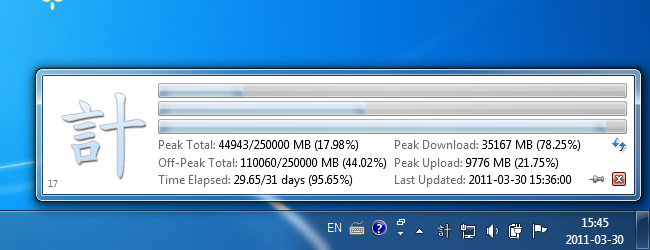
Windows 7 (Aero, Blue)
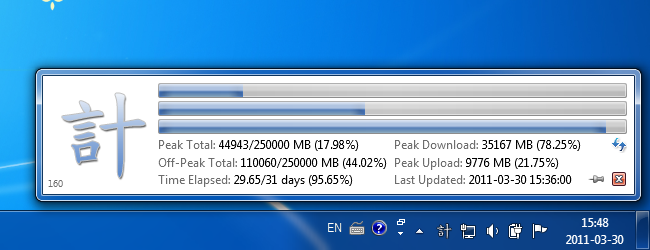
Windows 7 (Aero, Violet)
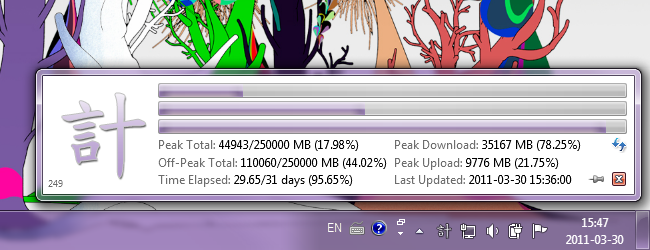
Windows 7 (Aero, Fuchsia)
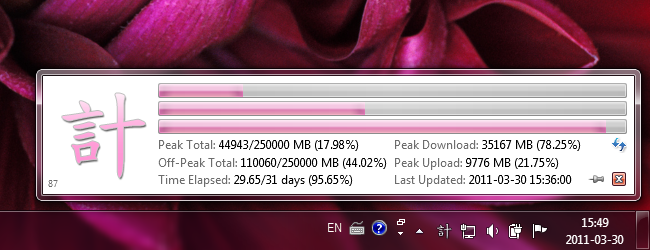
Windows 7 (Aero, Custom Colour)
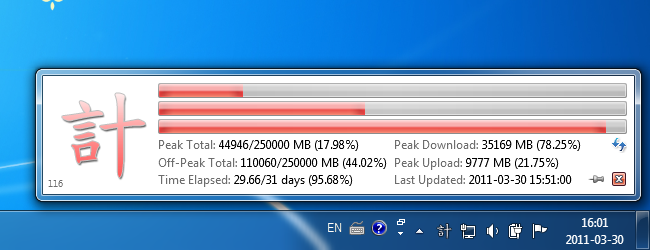
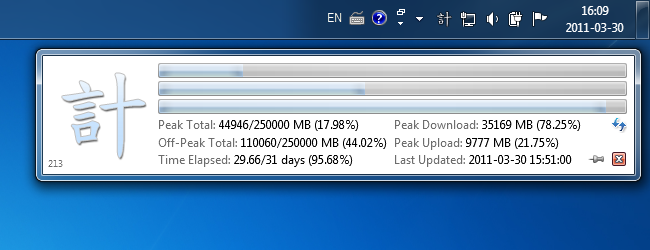
Top-aligned Taskbar
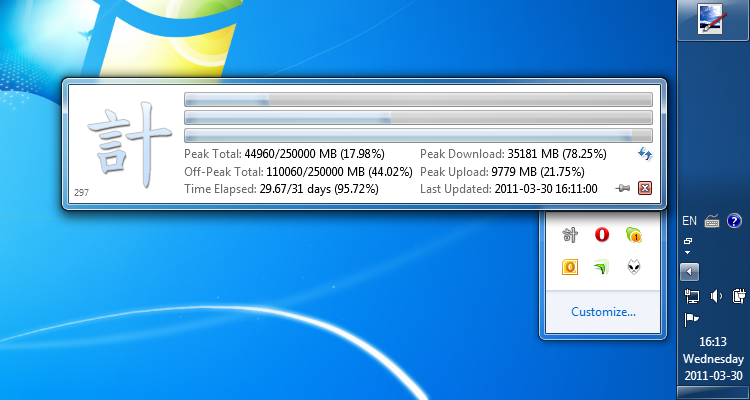
Right-aligned Taskbar (Notification Area Fly-out)
Windows 7 (Aero Basic)
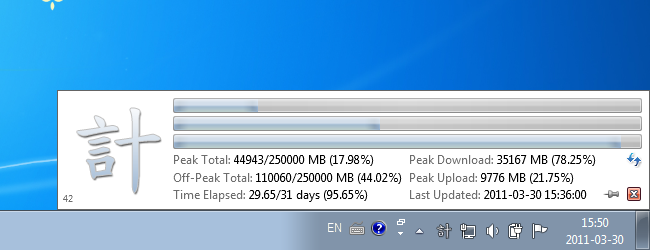
Windows 7 (Classic)
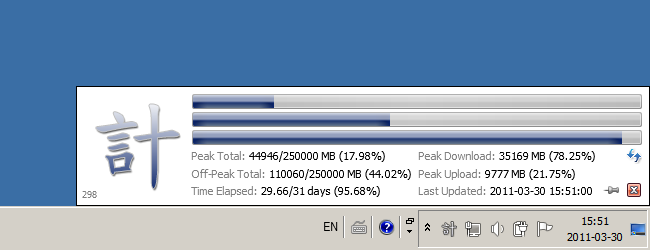
Windows XP (Luna)
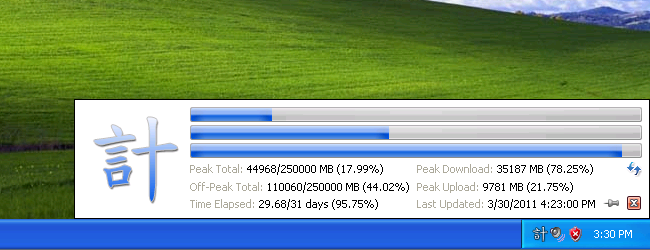
Windows XP (Luna, Olive)
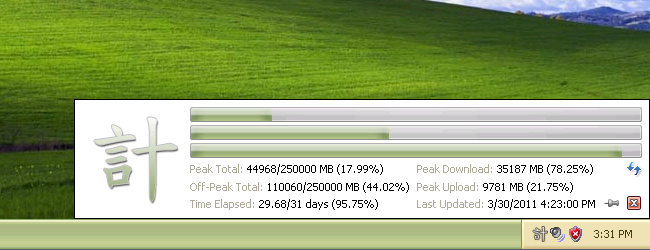
Windows 7 (High Contrast #1)
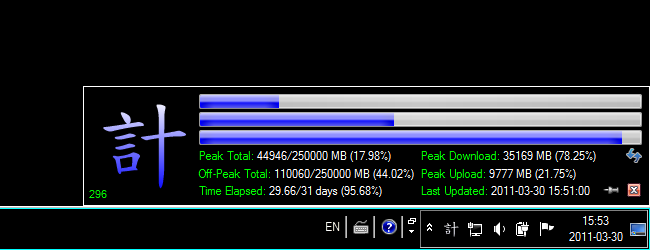
Windows 7 (High Contrast #2)
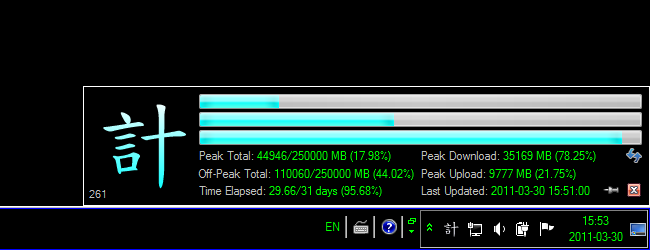
Windows 7 (High Contrast #3)
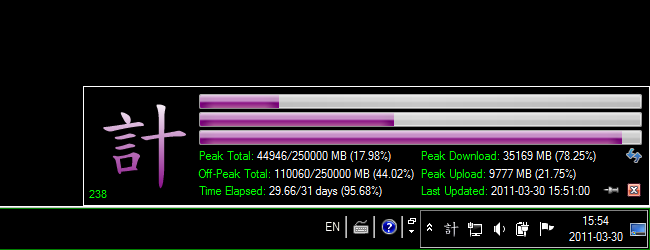
Windows 7 (High Contrast White)
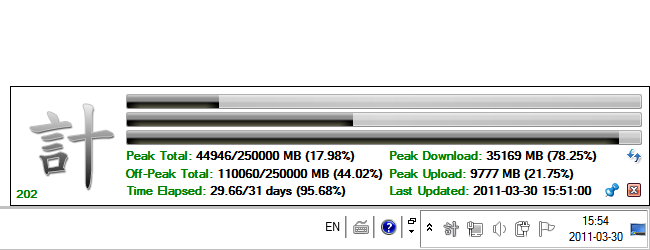
Contact me if you encounter any bugs or have any feedback.
 quppa.net
