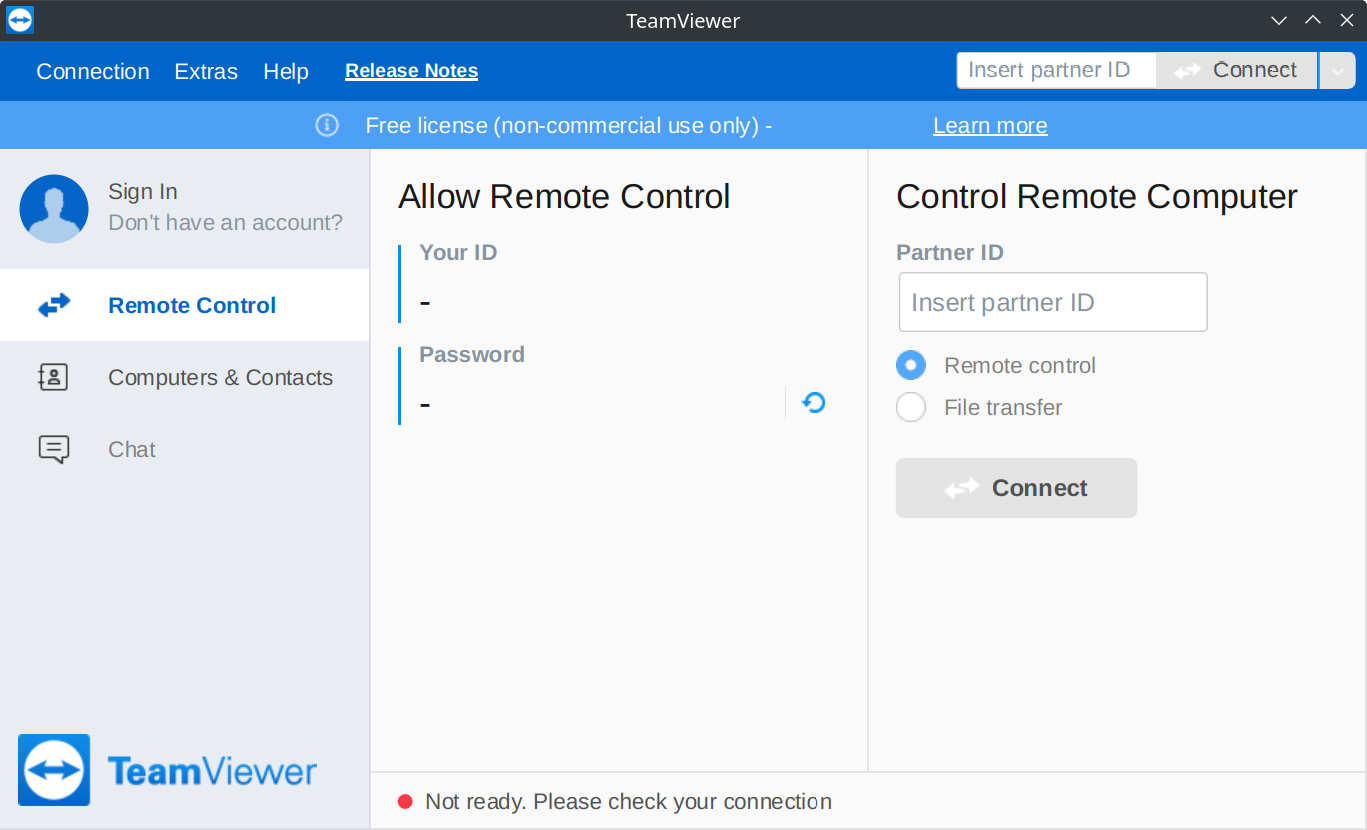
Update (2022-12-06): It looks like TeamViewer fixed their DNS config (before and after).
Update (2022-11-12): I tested again after Frankie in the comments noted that it works on his machine, and indeed it does for me, too, even with DNSSEC turned back on. My only explanation is that it’s an intermittent issue.
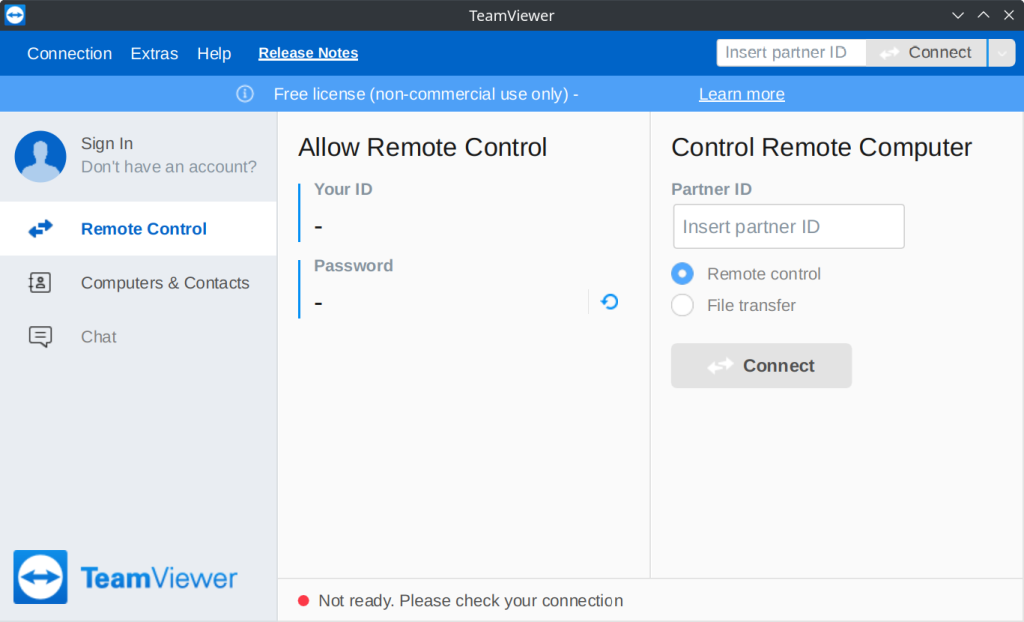
I couldn’t figure out why TeamViewer was perpetually stuck in the ‘Not ready. Please check your connection’ state, and the help article didn’t give any clues (port 5938 was already open for outbound connections).
The log files (/opt/teamviewer/logfiles/TeamViewer15_Logfile.log in Fedora) gave a hint:
S!! HttpRequestImpl::CurlFinished(): curl request failed: Couldn't resolve host name (6), Could not resolve host: router1.teamviewer.com, Errorcode=97
S!! CHttpConnectionOutgoing::ResolveDNSName: resolving DNS name failed, status = Failed, HTTP response code = 0, URL = 'http://router1.teamviewer.com/cname.aspx', Errorcode=97
S!! CHttpConnectionOutgoing::HandleResolveDNS: empty address, m_ConnectionState=0, Errorcode=97
S!  CProcessCommandHandlerKeepAlive[308]::HandleKeepAliveConnect(): Connect to KeepAliveServer failed
S!!!KeepAliveSessionOutgoing::ConnectFailureHandler(): KeepAliveConnect to router1.teamviewer.com failed, Errorcode=97
The host would cycle from router1.teamviewer.com to router16.teamviewer.com, but none of them would resolve. Long story short, DNSSEC is broken for these TeamViewer domains, and the application won’t work if none of them can be reached.
Sadly, this problem was reported years ago but nothing has changed.
Workarounds
Neither of these is good! I recommend contacting TeamViewer and letting them know about this issue (particularly if you’re a paying customer).
Hard code an IP address in hosts
Adding an IP address for router1.teamviewer.com to hosts seems to make the application functional.
> host router1.teamviewer.com 1.1.1.1
Using domain server:
Name: 1.1.1.1
Address: 1.1.1.1#53
Aliases:

router1.teamviewer.com is an alias for routerpool1.rlb.teamviewer.com.
routerpool1.rlb.teamviewer.com has address 37.252.244.151
routerpool1.rlb.teamviewer.com has address 37.252.244.143
routerpool1.rlb.teamviewer.com has address 188.172.203.45
routerpool1.rlb.teamviewer.com has address 188.172.208.134
routerpool1.rlb.teamviewer.com has address 217.146.12.138
routerpool1.rlb.teamviewer.com has IPv6 address 2a00:11c0:28:351:217:146:11:108
routerpool1.rlb.teamviewer.com has IPv6 address 2a00:11c0:12:351:188:172:208:142
routerpool1.rlb.teamviewer.com has IPv6 address 2a00:11c0:13:351:37:252:244:135
routerpool1.rlb.teamviewer.com has IPv6 address 2a00:11c0:27:351:213:227:184:141
routerpool1.rlb.teamviewer.com has IPv6 address 2a00:11c0:45:351:217:146:12:138
I just picked the first IPv4 address and added it to /etc/hosts:
37.252.244.151 router1.teamviewer.comThese IP addresses are of course liable to change.
Disable DNSSEC
Note: DNSSEC exists for a reason – don’t disable it unless absolutely necessary.
The nuclear option is to turn off DNSSEC checks entirely, or switch to using DNS servers that don’t support it in the first place (I recommend neither).
On Fedora 36 with systemd-resolved, this means editing /etc/systemd/resolved.conf and adding DNSSEC=no under [Resolve].